

AI photo: how to create, transform or recognize a photo generated by artificial intelligence?
Create a photo with AI, transform an existing image, or spot a fake: the complete guide, with the right tools for your needs.


Published on: October 29, 2026

3 min 10 sec
Table of Contents
AI Photo: The Key Takeaways
- Creating a photo with AI means describing the image you want in a text prompt; transforming an existing photo requires a tool that accepts image-to-image.
- ChatGPT, Claude and Gemini can also analyze an existing photo (describe it, read it, answer questions), a different function from image generation.
- Spotting an AI-generated photo with the naked eye remains imperfect: the classic clues (hands, textures, backgrounds) fade with recent models.
- On Ai-chatpro, several image models (Nano Banana, Leonardo, GPT Images) and text models able to analyze a photo are accessible from a single interface.
“AI photo” actually covers three different needs: creating an image from scratch, transforming an existing photo, or understanding what is in a photo. This guide sorts them out, with the right tool for each case.
How do you make a photo with AI?
To create a photo from a simple text prompt, describe the subject, style, mood and format you want. The more precise the description, the closer the result is to your intention. Several models stand out depending on the use: photorealistic rendering, illustration or design visuals.
For a full comparison of free image generators that require no account:
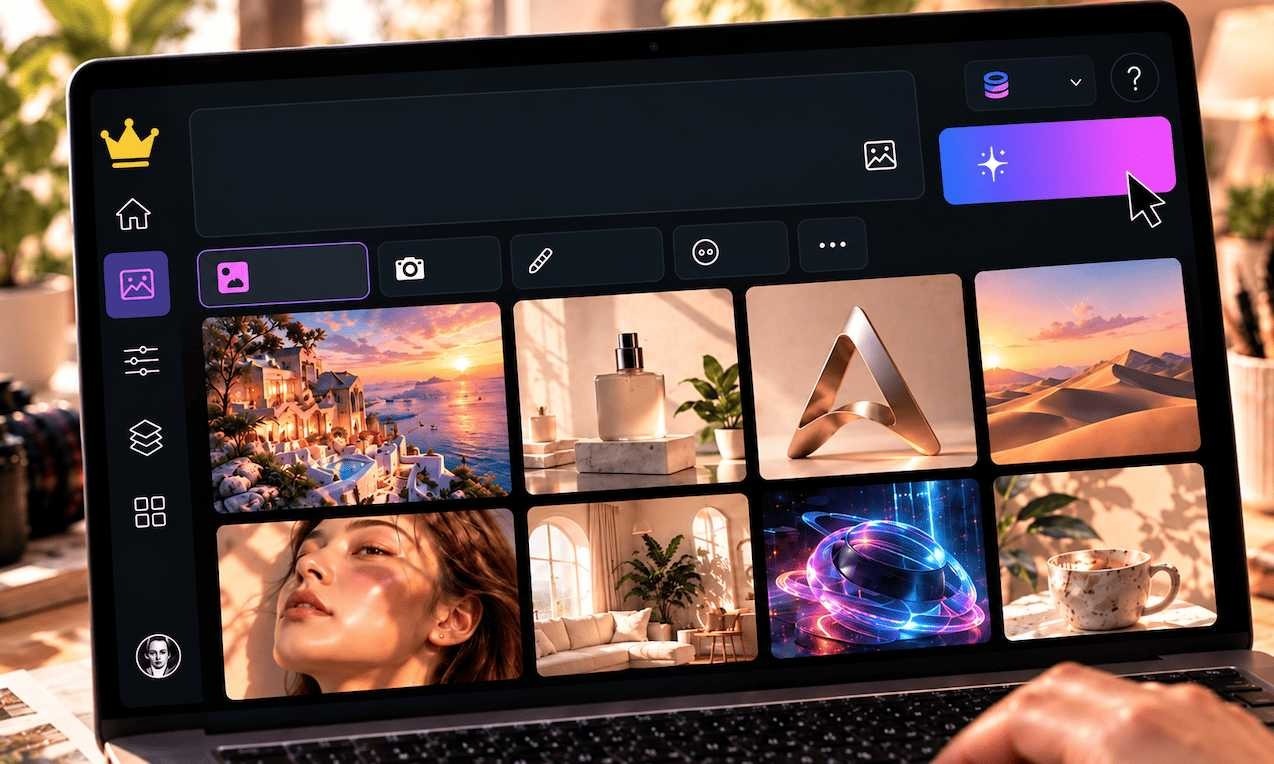
Free AI Image Generator, No Signup: Which Tools to Choose in 2026?
Published: October 1, 2026 I Reading time: 3 minutes 20s
Which tool should you choose to create a photo?
For design use (logo, mockup, concept art) with more control over style, Leonardo AI remains a reference. For a quick, free test, GPT Images covers most simple needs.
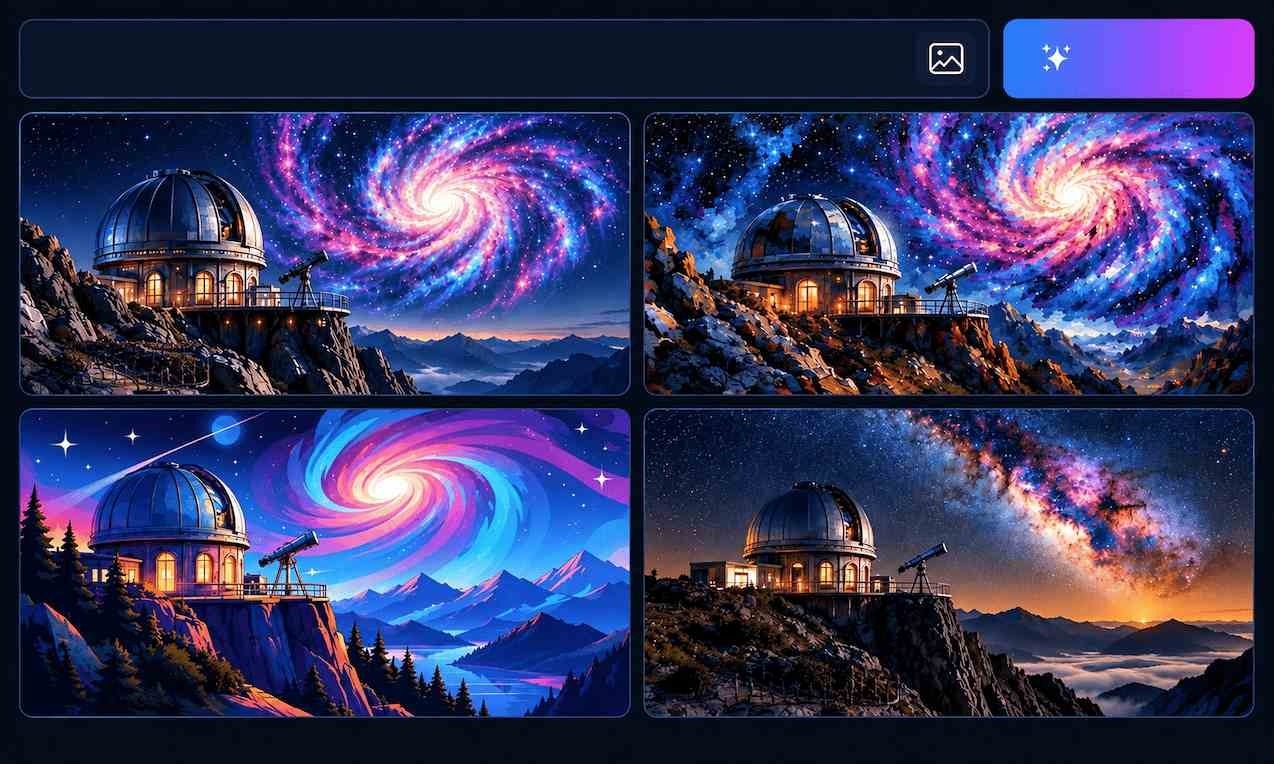
Leonardo AI: What Is It, Is It Free, and How to Use It?
Published: October 1, 2026 I Reading time: 2 minutes 40s
Transform an existing photo with AI
Creating a photo from scratch and transforming a photo you have already taken are two different needs. For a precise retouch (removing an object, changing a background without altering the rest), a model specialized in image-to-image such as Nano Banana remains more reliable than a simple generation prompt.
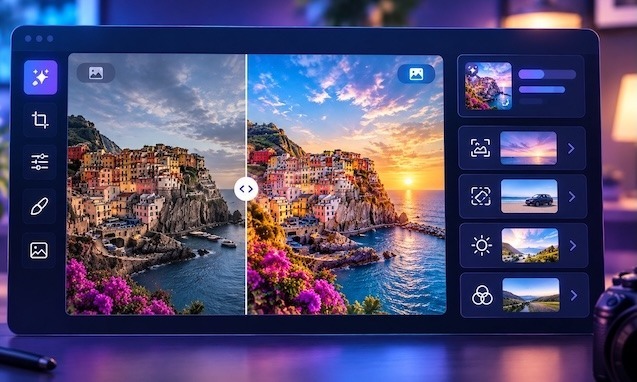
Edit a photo with AI: which tools to choose in 2026?
Published: October 8, 2026 I Reading time: 3 minutes 10s
Can ChatGPT create or analyze a photo?
Both, but they are two distinct functions. ChatGPT can generate an image from a prompt (like Claude or Gemini with their dedicated models), and can also analyze a photo you send it: describe a scene, read text visible in the image, or answer specific questions about its content.
This analysis function (“vision”) is different from image generation: it creates nothing, it understands what already exists. It is useful for checking a document, describing a photo to someone who cannot see it, or extracting a specific piece of information from a visual.
How can you tell if a photo is an AI photo?
There is no foolproof method with the naked eye. The classic clues (inconsistent hands or details, overly smooth textures, strangely blurred backgrounds) fade as models improve. Detection tools exist, but their reliability remains imperfect, especially after a slight retouch.
This question directly connects to the copyright and disinformation issues linked to AI:
AI and Copyright: What Creators Need to Understand
Published: May 27, 2026 I Reading time: 9 minutes 30s
Create, transform or analyze your photo on Ai-chatpro
On Ai-chatpro, Nano Banana, Leonardo and GPT Images are accessible for image creation and retouching, alongside ChatGPT, Claude and Gemini for photo analysis, from a single interface, with 3 free messages every 24h on the free models.
What exactly do you need?
Ai-chatpro
What exactly do you need?
2 questions to find out whether you need to create, transform or analyze a photo.
Create, transform or analyze your photo on Ai-chatpro
Nano Banana, Leonardo, GPT Images, ChatGPT, Claude and Gemini, from a single interface.
What to Remember
- “AI photo” covers three distinct needs: creating, transforming or analyzing a photo.
- To create, a generator such as Leonardo or GPT Images fits; to transform an existing photo precisely, Nano Banana is better suited.
- ChatGPT, Claude and Gemini can also analyze a photo (vision), a different function from image generation.
- Spotting an AI photo with the naked eye remains imperfect as models improve.
- On Ai-chatpro, these three uses are covered from a single interface.
How do you make a photo with AI?
Can ChatGPT create images?
How can you tell if a photo is an AI photo?
Can ChatGPT analyze a photo?
How can I turn a photo into an image with AI?
Try AI Chat Pro now!
Take your projects further with AI Chat Pro and unlock the power of intelligent conversational AI for all your needs.
Articles
- Agentic AI: what is it, and how does it differ from generative AI?
- blog.article.article45.title
- blog.article.article44.title
- AI development: an antitrust complaint targets Anthropic, OpenAI, Google, and SpaceX
Categories
Tags
Latest published articles