

Edit a photo with AI: which tools to choose in 2026?
Canva, ChatGPT, Gemini, Nano Banana: how to edit a photo with AI—free or not—depending on what you need.


Publication date: October 8, 2026

3 min 10 sec
Editing a Photo with AI: The Key Takeaways
- Editing a photo with AI lets you remove an object, change a background, retouch a face, or transform an image's style from a text prompt.
- Canva, Google Photos, and Adobe Firefly offer built-in AI retouching features, often free with limits.
- ChatGPT and Gemini can reinterpret a photo from an instruction, but remain less precise than a dedicated editing tool for localized retouching.
- On Ai-chatpro, Nano Banana 3.1 (PRO) specializes in editing existing images, alongside other models accessible from the same interface.
Want to remove a distracting element, change the background, or transform the style of a photo? Several AI tools can do it, but they're not all equal depending on the precision you need and your budget. Here's how to choose.
Which tools to edit a photo with AI?
Several families of tools exist: consumer editors with built-in AI features (Canva, Google Photos, Adobe Firefly), conversational assistants capable of regenerating an image (ChatGPT, Gemini), and models specialized in editing existing images (Nano Banana). The right choice mainly depends on how precise you need the final result to be.
A “localized” edit (changing only one specific element without touching the rest) requires a tool built for image-to-image work. A freer style transformation (photo → illustration, for example) tolerates a full reinterpretation by a conversational model better.
Can ChatGPT or Gemini edit a photo?
Yes, but with an important nuance: these tools often regenerate the image rather than modifying it pixel by pixel. The result can resemble the original without being a faithful edit — useful for a style transformation, less suited if you want to change only one detail without altering anything else.
What about copyright when you create an image? Check out our guide:

AI and Copyright: What Creators Need to Understand
Published: May 27, 2026 I Reading time: 9 minutes 30s
How to edit a photo with AI, step by step
- Upload the photo to a tool that accepts image-to-image.
- Precisely describe the desired change (element to remove, background to change, mood to adjust).
- Generate a first result, then refine the instruction if some details don't match.
- Compare several generations before picking the best version.
Always keep a copy of the original photo before editing it: some no-signup tools keep no history, and a failed generation could make you lose the starting version if you haven't saved it elsewhere.
For an image generator without even creating an account, our dedicated comparison covers the options and their limits:
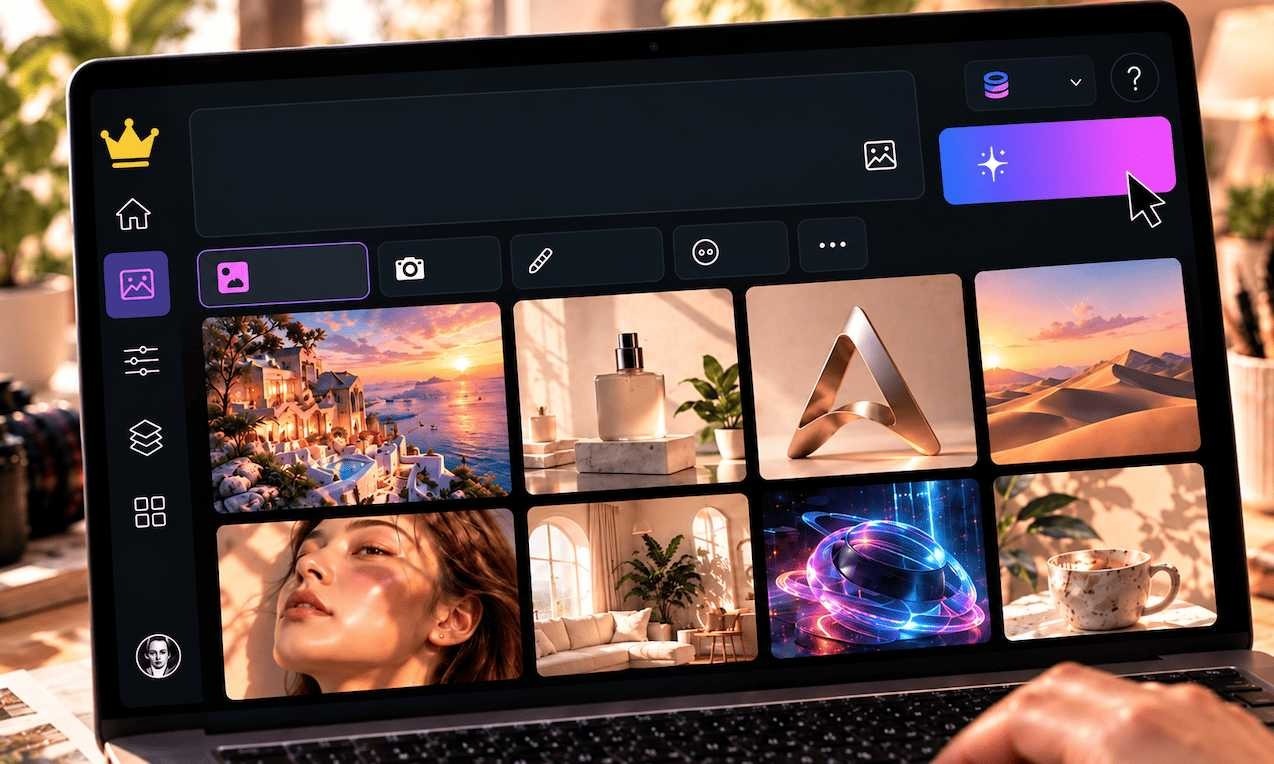
Free AI Image Generator, No Signup: Which Tools to Choose in 2026?
Published: October 1, 2026 I Reading time: 3 minutes 20s
Which tool should you choose for your need?
Ai-chatpro
Which image generation tool should you choose?
4 questions to find the AI image model that best fits your need — logo, photo editing, illustration or a quick test.
Changing a face in a photo: what to know
This feature technically exists on some tools, but it raises consent and image-rights questions as soon as it concerns someone other than yourself. Reserve it for your own photos, or get the explicit consent of the person before any such modification.
To go further on image generation (rather than editing an existing photo), our dedicated article on Leonardo AI covers another use case:
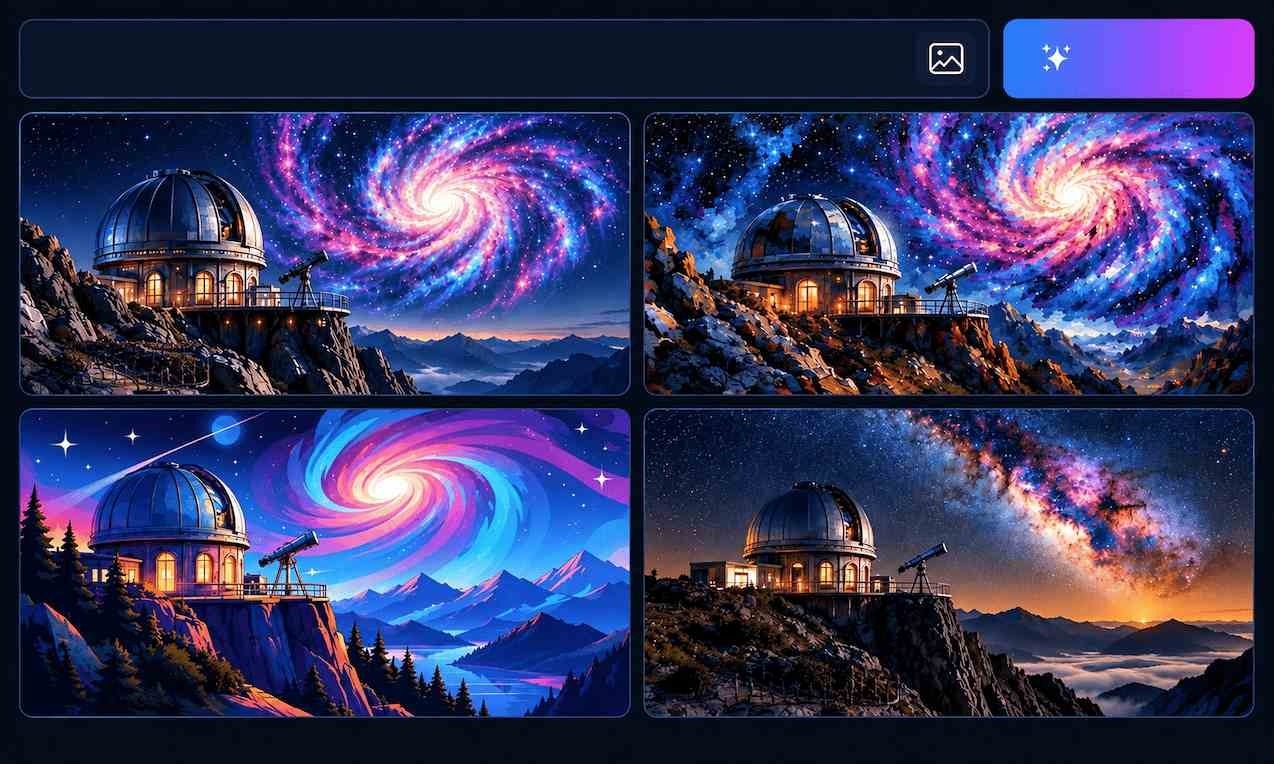
Leonardo AI: What Is It, Is It Free, and How to Use It?
Published: October 1, 2026 I Reading time: 2 minutes 40s
Edit your photo with Nano Banana on Ai-chatpro
For precise editing without switching tools for every need, Ai-chatpro gives access to Nano Banana 3.1 (PRO) alongside ChatGPT, Gemini, and other models, from a single interface.
Edit your photo on Ai-chatpro
Upload your photo and describe the desired change, without switching tools.
What to Remember
- For precise, localized editing, a dedicated model like Nano Banana remains more reliable than a general-purpose conversational assistant.
- ChatGPT and Gemini can transform a photo, but often reinterpret the image rather than editing it pixel by pixel.
- Free no-signup tools suit a one-off test, with resolution or watermark limits.
- On Ai-chatpro, Nano Banana 3.1 is accessible on the PRO plan alongside other image models.
What’s the best free AI to edit a photo?
Can ChatGPT edit a photo?
Where can I find a free AI photo retouching tool without signing up?
How can I edit a photo with AI?
How can I change a person’s face in a photo?
Try AI Chat Pro now!
Take your projects further with AI Chat Pro and unlock the power of intelligent conversational AI for all your needs.
Articles
- Music AI: how to create a song with artificial intelligence
- Leonardo AI: what is it, is it free, and how do you use it?
- Free AI image generator without signup: which tools to choose in 2026?
- How to boost your brand’s visibility in AI answer engines?
Categories
Tags
Latest published articles
Tools & Comparisons
Music AI: how to create a song with artificial intelligence
Tools & Comparisons
Leonardo AI: what is it, is it free, and how do you use it?
Tools & Comparisons
Free AI image generator without signup: which tools to choose in 2026?
Tools & Comparisons
ChatGPT: which one should you choose for your needs?